google半小時前剛剛發布Gemma 4 12B,還真的蠻期待的,總算有個我16GB顯卡能加載的模型了。但目前lm studio跟ollama都還沒有
(2026.06.04更新)
LM Studio有更新gguf量化版本的模型了,以我的RTX5060ti 16GB實測速度,就39.94~43tokens之間。屬於還可用(自己認定的基準是低於35 tokens/s 等於不流暢)
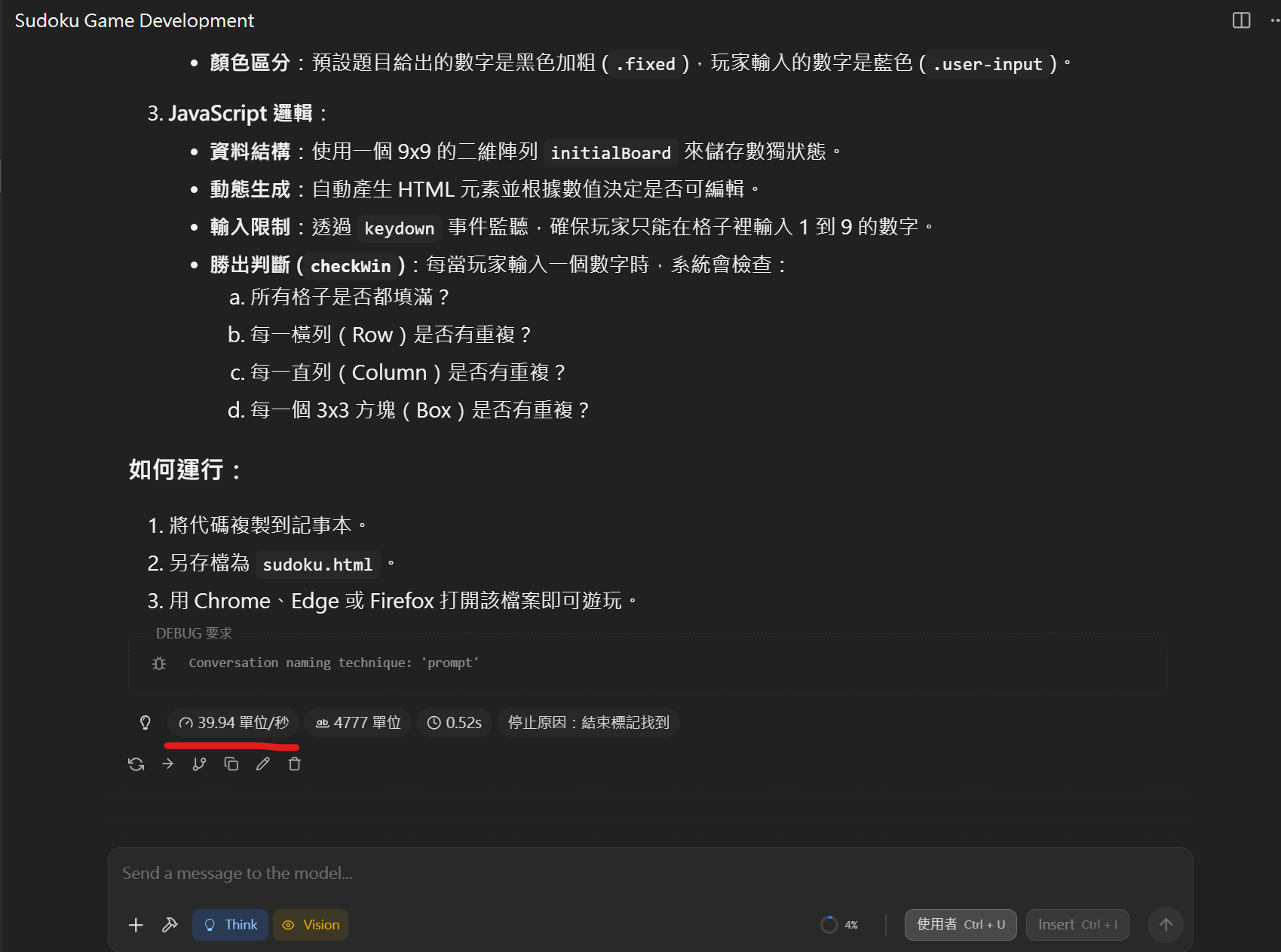
顯存記憶體的部分,大概需要12.5GB的顯存(電腦有其他應用也吃了一點,實際大概在11.5GB上下)
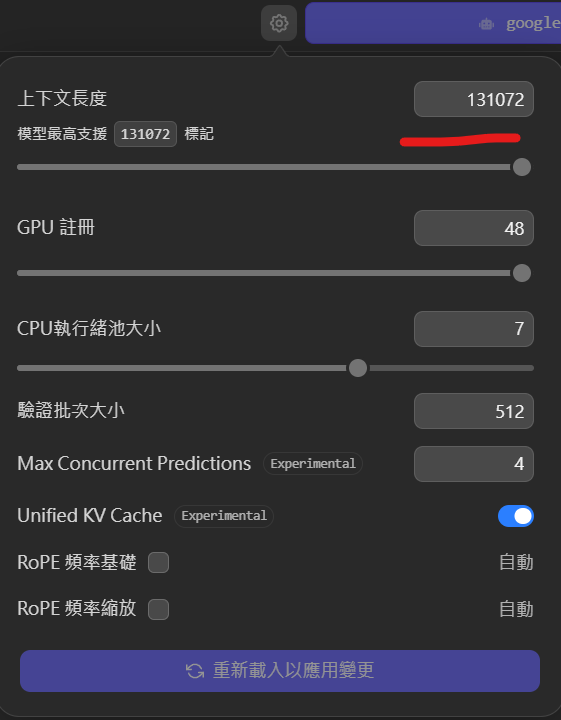
上下文可以開滿,可達131K
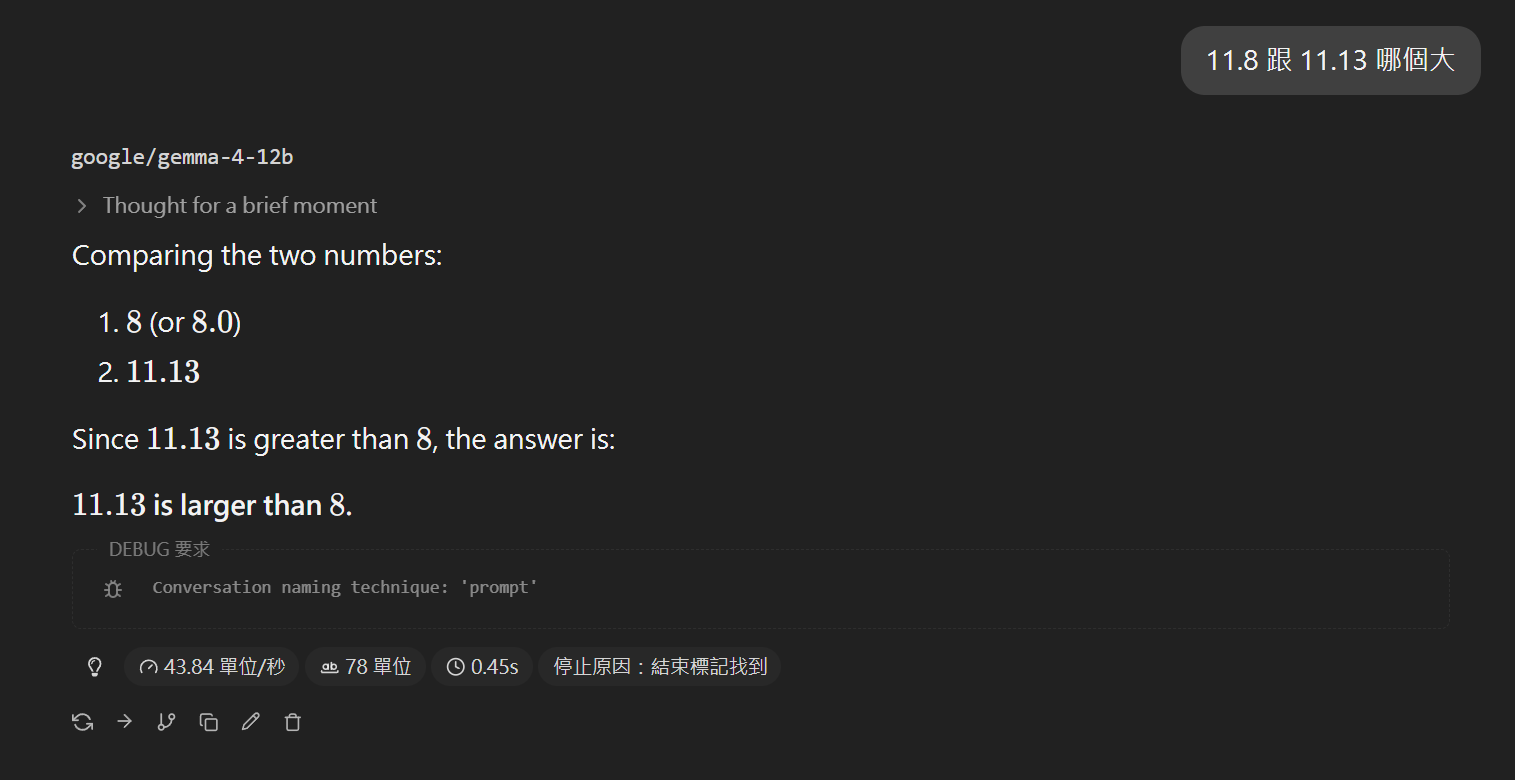
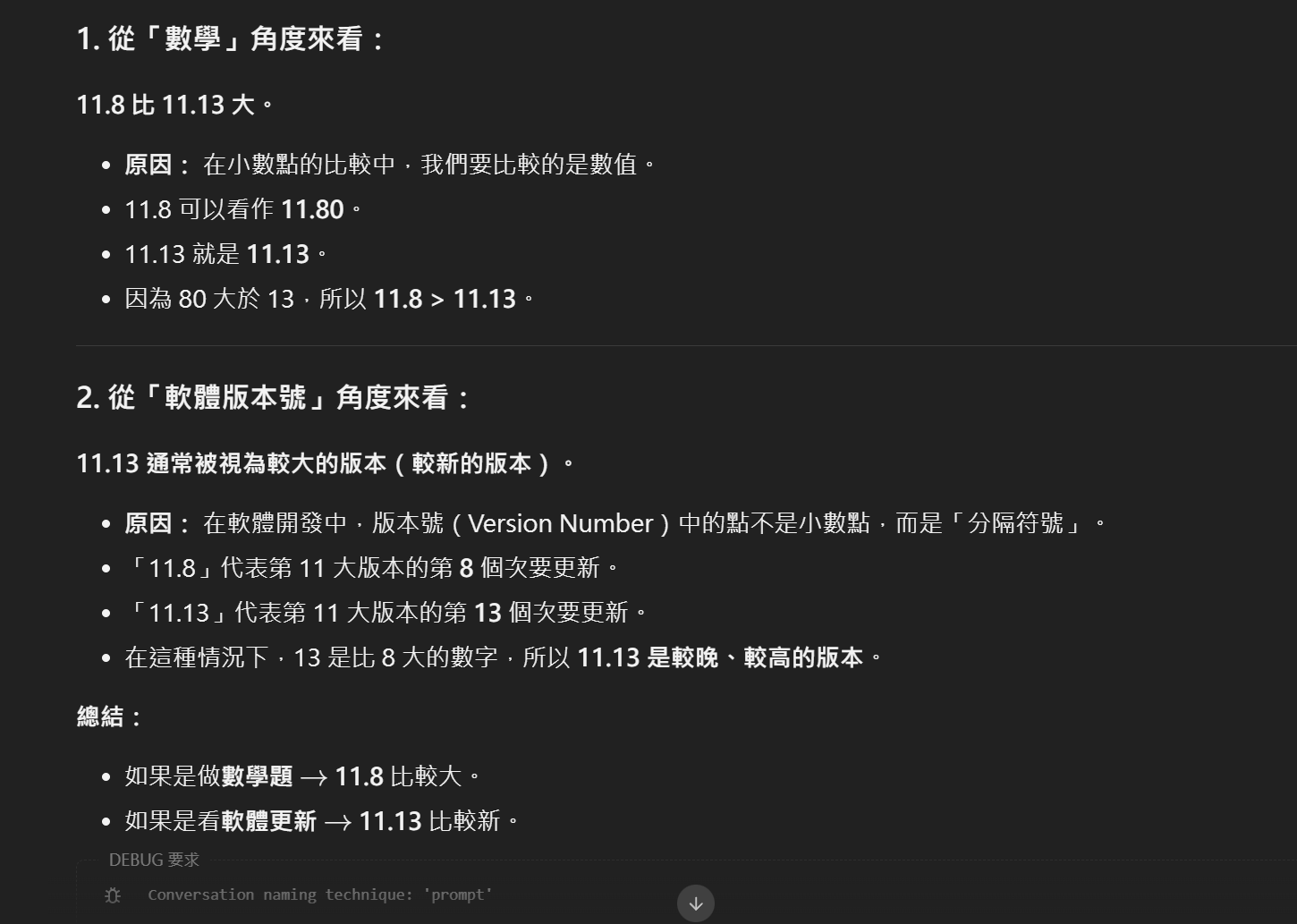
經典數學題,沒通過... 但這是沒思考的情況下。有思考的情況下,它就能回答正確,且能從幾個角度來看。但我不知道為何明明有開思考模式,但有時會自動略過思考,不知道是lm studio尚未適配它,還是模型有坑。但是它沒思考跟有思考智力差距非常大,之前測試的其他模型有沒有思考大概差個20分,不開思考影響不大,它大概差70分,不開思考回應的品質極差。
然後它一直認為今天是2024年,跟它說正確的時間,它還會懷疑 (哈

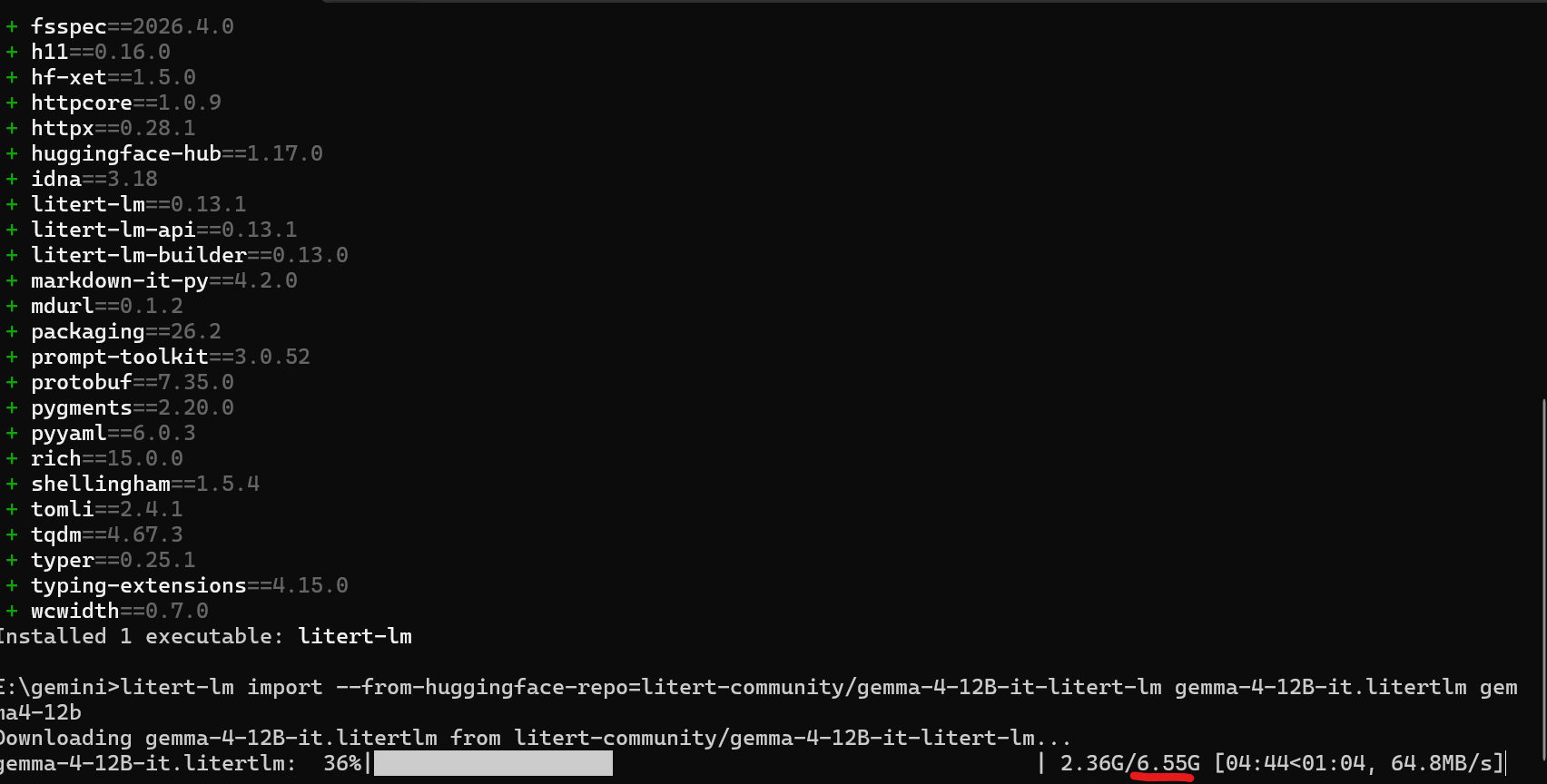
只能從huggingface下載,部屬流程還蠻容易的(才怪)
安裝沒問題,但windows似乎跑不起來LiteRT-LM ,一直報錯,只能看明天有沒有gguf量化模型出來了~
#透過uv 安裝litert-lm
uv tool install litert-lm
#就能透過以下指令下載模型 Import the Gemma 4 12B model as "gemma4-12b"
litert-lm import --from-huggingface-repo=litert-community/gemma-4-12B-it-litert-lm gemma-4-12B-it.litertlm gemma4-12b
#下載完畢用這個啟動 Start the OpenAI-compatible server
litert-lm serve
使用方式 可以用cmd或powershell (windows)
curl http://localhost:9379/v1/chat/completions \
  -H "Content-Type: application/json" \
  -d '{
    "model": "gemma4-12b,gpu",
    "messages": [{"role": "user", "content": "Hello!"}]
  }'

  #cmd
  curl http://localhost:9379/v1/chat/completions ^
  -H "Content-Type: application/json" ^
  -d "{\"model\":\"gemma4-12b,gpu\",\"messages\":[{\"role\":\"user\",\"content\":\"Hello!\"}]}"

  #powershell
  curl.exe http://localhost:9379/v1/chat/completions `
  -H "Content-Type: application/json" `
  -d '{
    "model": "gemma4-12b,gpu",
    "messages": [{"role": "user", "content": "Hello!"}]
  }'
macos 可以直接用他們的
這個模型檔案大小只有6.55GB,是說我的電腦網速沒這麼高,不知道它怎麼有辦法跑到這數值(估計是亂算的,小小插曲)
至於能力如何明天在正式測試~
文章轉載或引用,請先告知並保留原文出處與連結!!(單純分享或非營利的只需保留原文出處,不用告知)
原文連結:
https://blog.aidec.tw/post/gemma4-12b
若有業務合作需求,可寫信至: [email protected]
創業、網站經營相關內容未來將發布在 小易創業筆記